Case Manager agents and supervisors can use advanced search filters to find cases that they need to work on or review. In order to search cases by data that is captured inside the case, they need to search by the name of the Attribute to which the data is bound (see View cases).
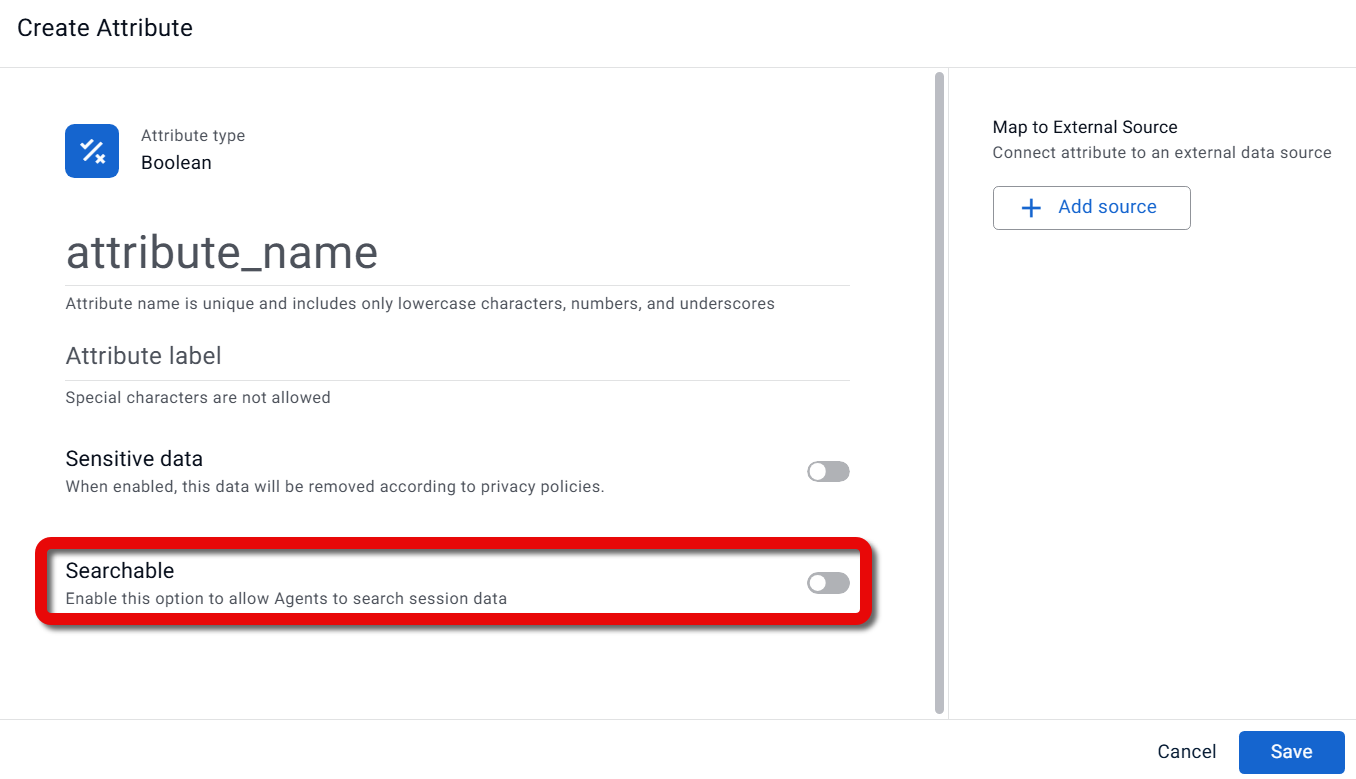
An Attribute will only appear in the advanced search if it is defined as searchable in the settings for that Attribute. Up to 50 Attributes can be included in the search.
The following types of Attributes can be defined as searchable and included in the Case Manager advanced search:
Text
Numeric
Date
Function
Boolean
To include an Attribute in Case Manager advanced search:
In the Create/Edit Attribute dialog, turn on the Searchable toggle.